


Downloadable Item(s)
Can be immediately downloaded.

All Embrilliance programs are guaranteed with a 90 day refund policy. We are confident that you will love this software!
Thumbnailer lets you preview embroidery files while browsing folders in your computer! Thumbnailer creates icons for designs so your operating system can show them to you in the File Manager or Finder folders directly without opening the files.
Thumbnailer runs on Intel Mac OSX 10.5+ (*see note at bottom of page) and Windows XP (sp2 32-bit) up to and including Win-10, both 32 and 64 bit.
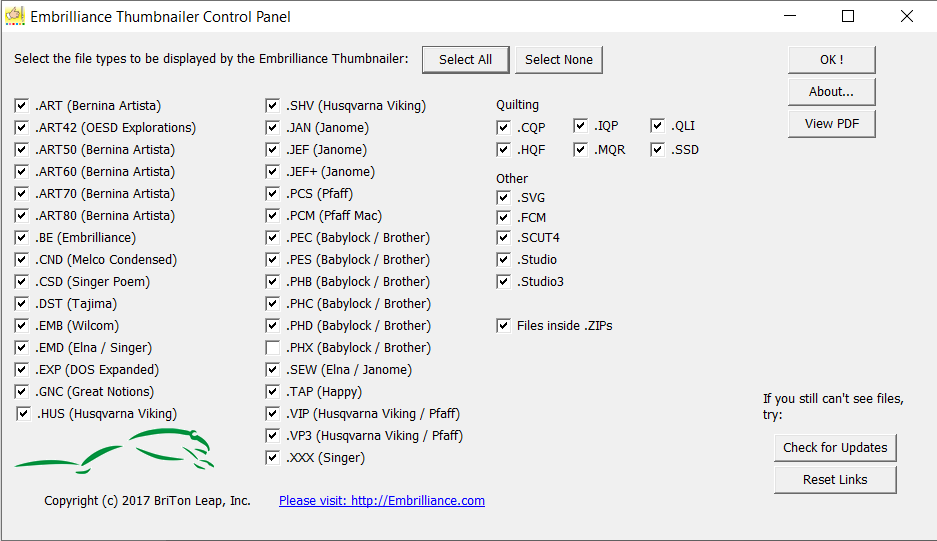
Once you run the installer, there’s only one step. Once the Control Panel pops up, select the file types for which you want the icons to appear as preview images in your File Explorer or Finder. Once you click ‘OK!’, you will not need to open the program again unless you choose to change the file types for which Thumbnailer will create preview icons.
Once it’s installed, open any folder in File Explorer (Windows? or Finder (Mac) and set your view to Icons or Thumbnails and “Voila!” You’ll see your embroidery designs directly in the folder without opening them.
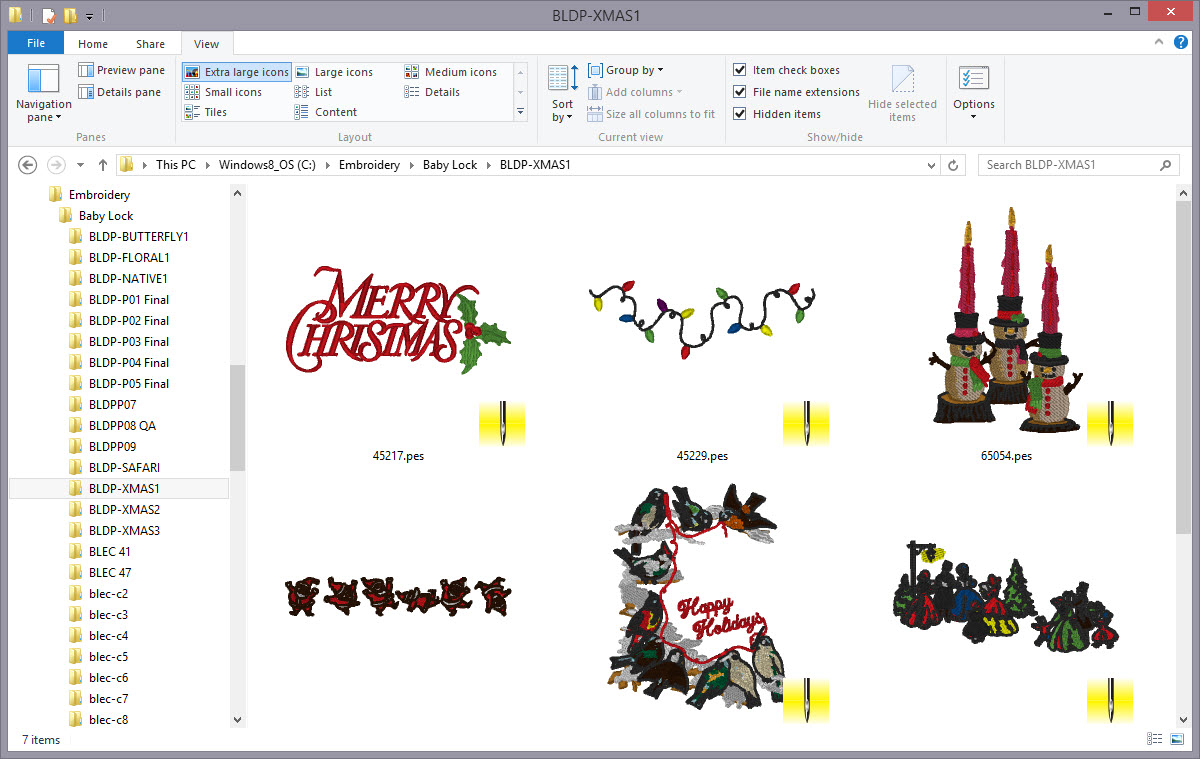
No other software is required! Nothing to double-click or ‘open’!
*NOTE – Due to alterations Apple made to filetype handling in Mac OS ‘Big Sur’ EXP files are currently not able to be seen as Thumbnails on Mac computers running Big Sur. All other platforms are unaffected.
