Can I make applique cut files with Embrilliance?


Downloadable Item(s)
Can be immediately downloaded.

Downloadable Item(s)
Can be immediately downloaded.

Downloadable Item(s)
Can be immediately downloaded.

Downloadable Item(s)
Can be immediately downloaded.

Downloadable Item(s)
Can be immediately downloaded.

Downloadable Item(s)
Can be immediately downloaded.

All Embrilliance programs are guaranteed with a 90 day refund policy. We are confident that you will love this software!
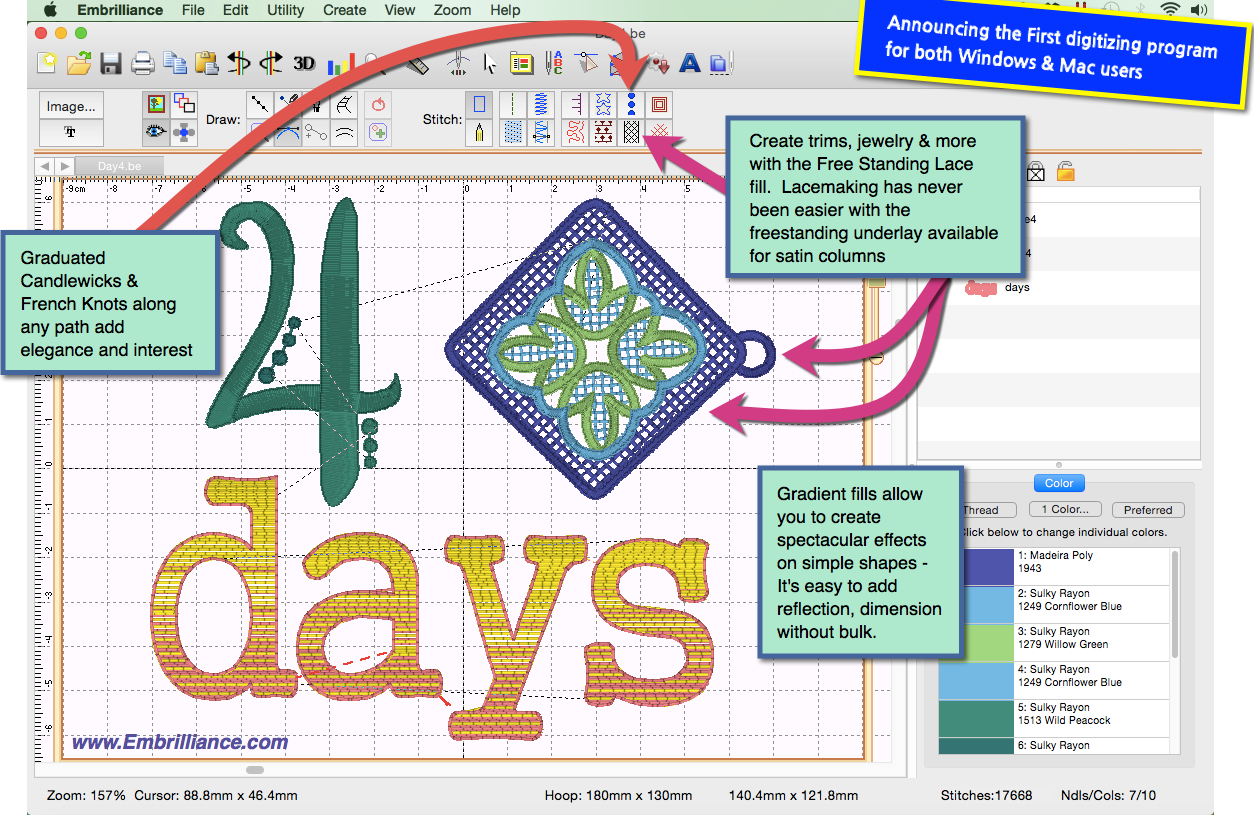
StitchArtist is a program to create machine embroidery designs from scratch. You start using existing artwork or by ‘drawing with stitches.’ You control the shapes, set the stitch type and properties, and StitchArtist generates stitches for you. When you want to create stitches, that’s what it does.
StitchArtist is a journey many years in the making, and has been designed for ease-of-use and digitizing education. The process of design creation, commonly called ‘digitizing’, requires a skilled person using a specialized tool. StitchArtist is that tool, but it is designed to take the difficulty out of the software, leaving the user to concentrate on their designs.
In a radical departure from the typical digitizing interface, StitchArtist uses a single mode to draw, set stitches, size, edit, rotate, sequence and set properties of design objects. It is easy and intuitive once you know the very basics, which are described in detail in the user guide.
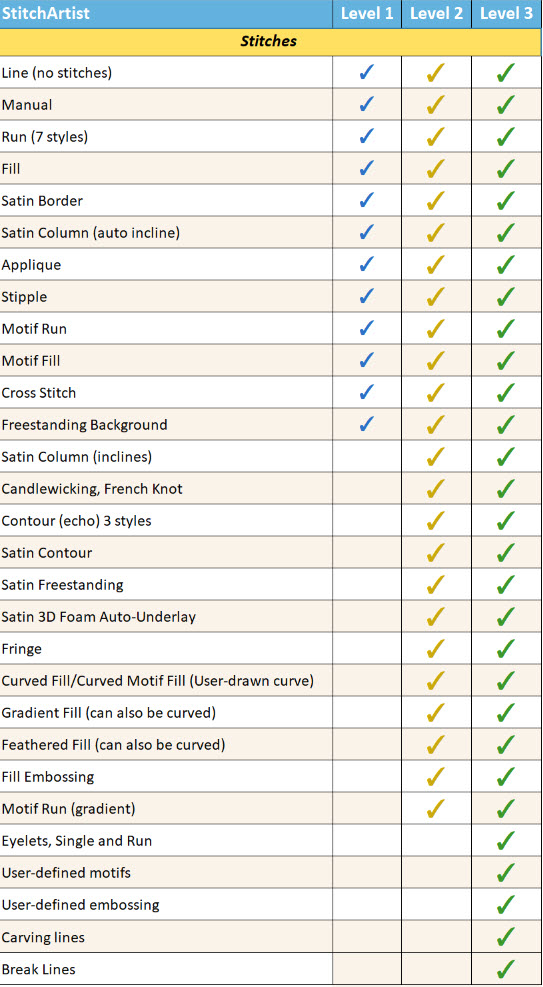
StitchArtist comes in levels which suit different skill levels:
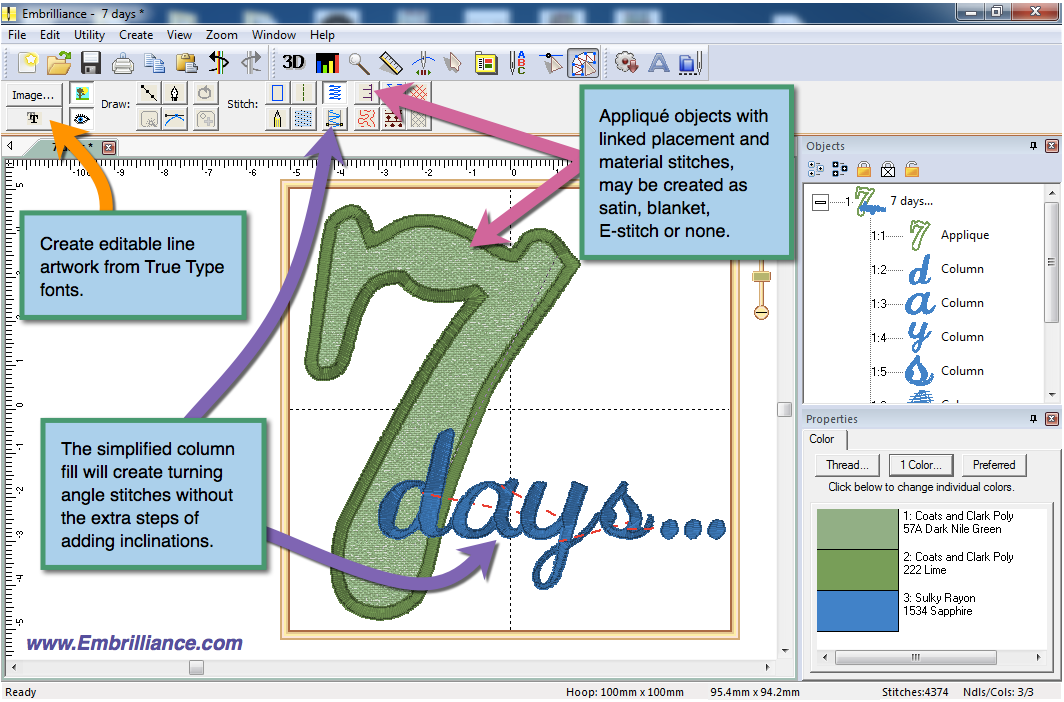
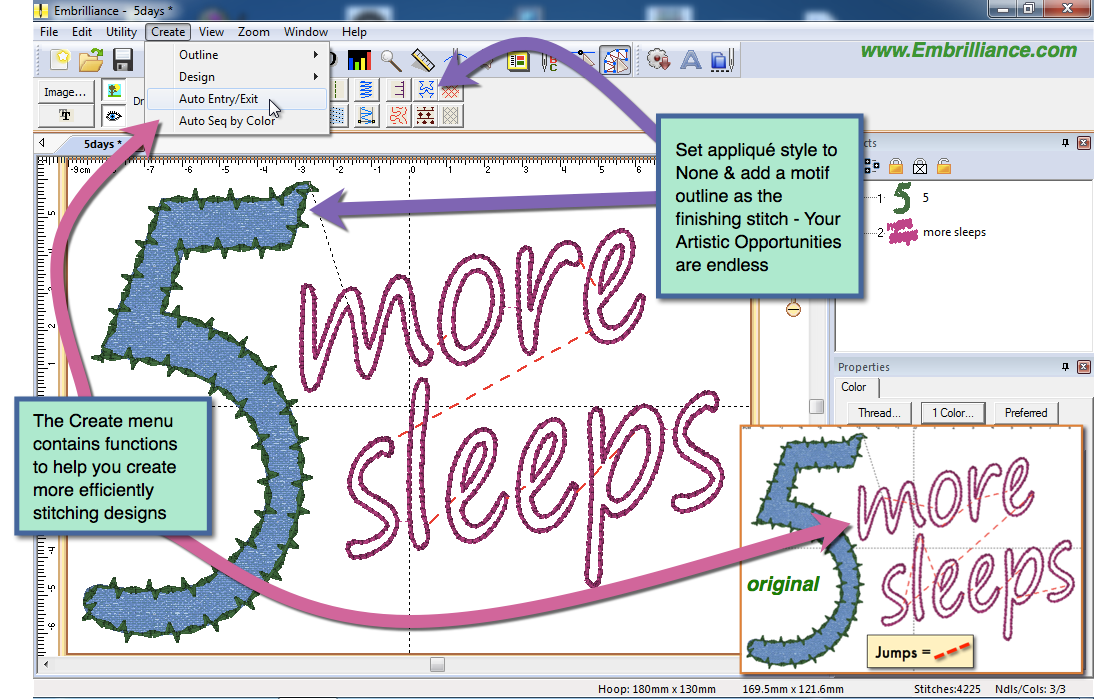
Level 1 is designed for a hobby embroiderer who needs to be able to create stitches without going into debt or spending much computer time. Level 1 offers a limited set of stitch types and, more importantly, properties for those stitches, so that the user can simply ‘create’ without needing to learn many steps. Typical projects for Level 1 are applique designs, running stitch designs and simple filled shapes, backgrounds or unifying elements for design compositions etc.
Level 2 includes Level 1 and is designed for production and skills training for those who would like to create more sophisticated designs (logos), as well as a more complete set of tools. It will allow the user to learn a wide cross-section of stitch types and properties, and have enough freedom to create virtually any design. If you are looking to use satins to their fullest extent, this is where you need to look. You can also import .SVG art and some cutting file formats (.FCM and .studio) for cross-purpose use.
Level 3 includes Level 1 and Level 2 and is designed for someone who either loves to create designs or works commercially in the embroidery field. This level includes advanced items such as Styles, QuickStyles, an Eyelet tool, Carving lines, graphical operators such as Cut, AND, Union, Flatten, Inflate/Deflate, Re-construct and Break. It also allows for the content within the product to be expanded by publishing Motifs and Embossed effects. Additional controls are available to work how you like. The properties for each stitch type are fully revealed, and operations for vector support, including export, are added; now you can draw .svg and cutting machine designs directly. There’s even a tool to automatically outline existing design stitches.
StitchArtist is not a photo-to-stitch tool, nor is it an autodigitizing program. The results of those are very subjective, and there are plenty of tools to do those in the market. When we find a process that is good enough for us, we’ll produce it. Meantime, straightforward design creation is the focus of this product. If you want to make designs for hobby, cottage industry or professional use, this is for you. If you really want to learn to digitize, this program has been designed for simplicity and instruction from the ground-up.
It is not a customizing tool (used to manipulate existing designs.) It does not contain Essentials or Enthusiast, although it does run within the Embrilliance Platform so the user interface is consistent. You can purchase StitchArtist by itself if desired; it does not rely on any other purchased product, nor is it an upgrade of any other product.
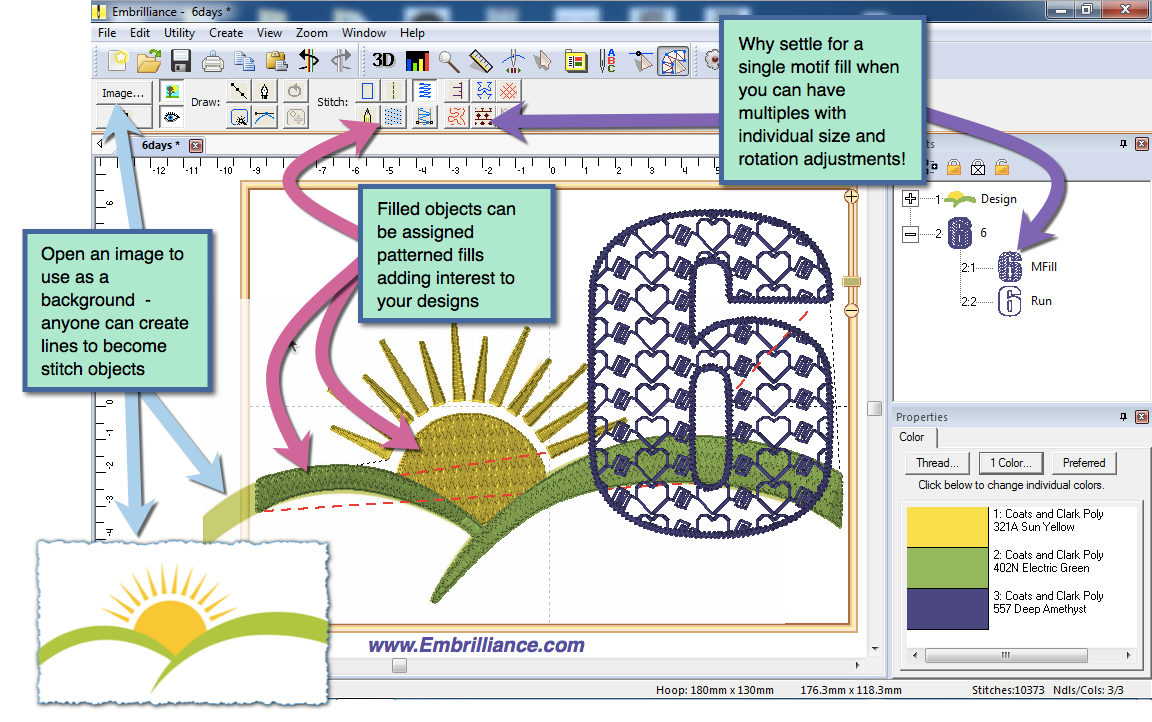
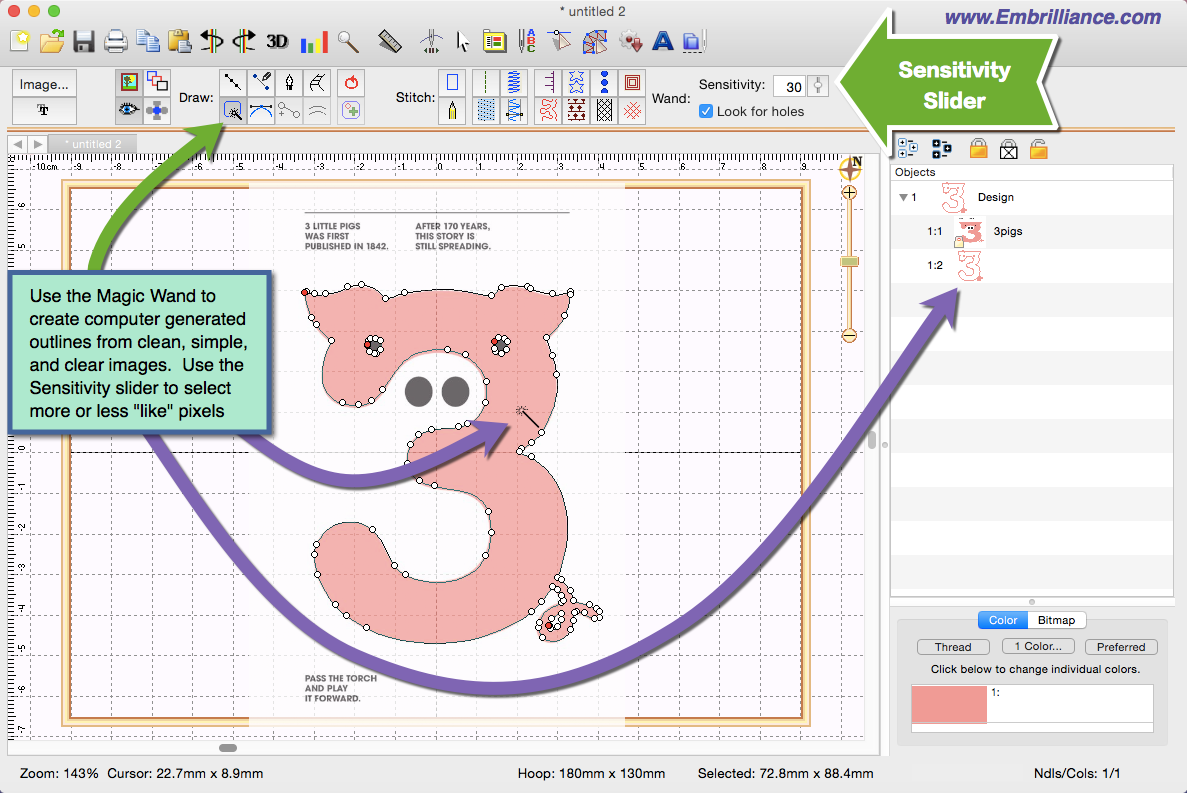
Most users will begin by importing a background image – some artwork that they want to embroider. Then you create ‘objects,’ which are shapes that will be stitched, over the artwork. You decide the shapes, their order and their stitch properties. Those who are familiar with any modern drawing tool will feel comfortable with StitchArtist as it uses a Bezier model of shaping.
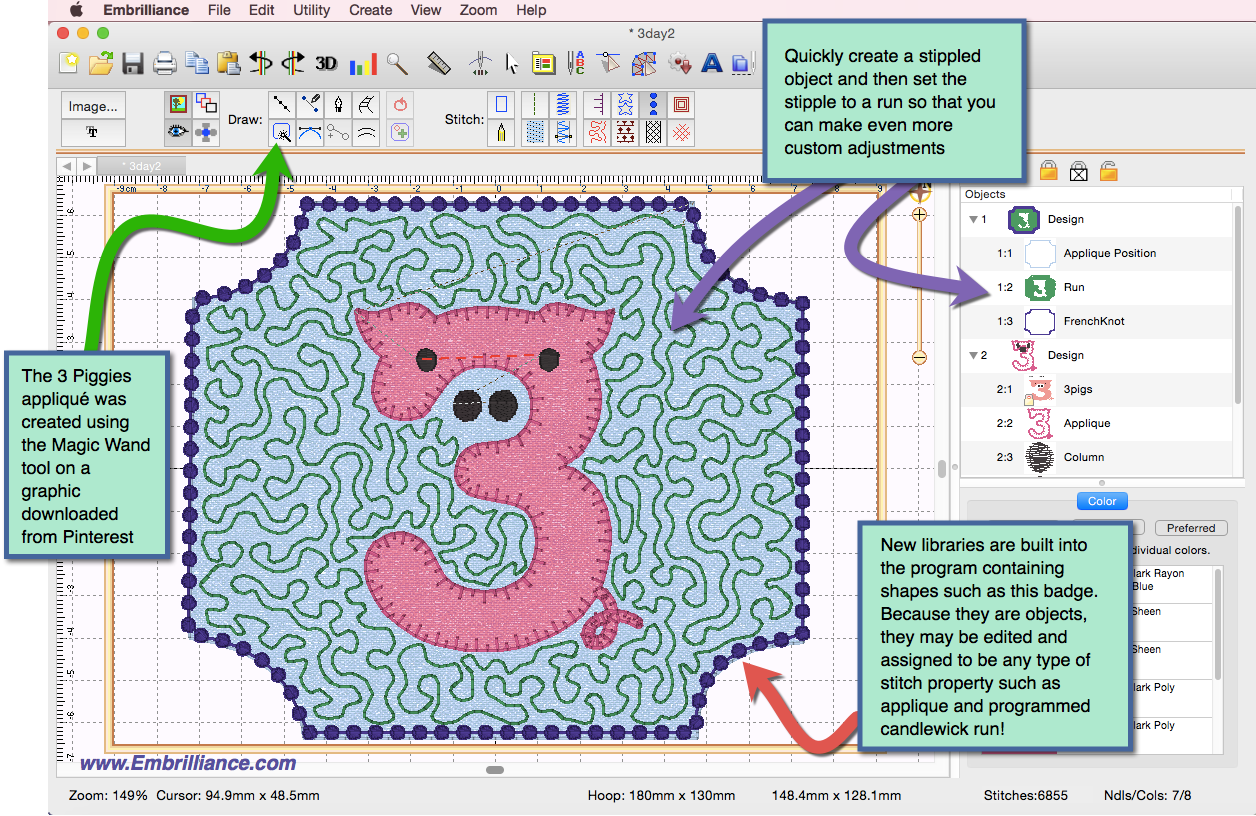
When assigning stitches to shapes, you have freedom to change your mind at any time; any shape can be made into any type of stitch as easily as clicking a button.
Editing outlines is a frequent task when creating designs. StitchArtist is very helpful in this task:

If you have missed it, we do have an FAQ on StitchArtist:
https://embrilliance.com/phpBB3/viewtopic.php?f=29&t=1082&p=3445#p3445
 Methods / Properties:
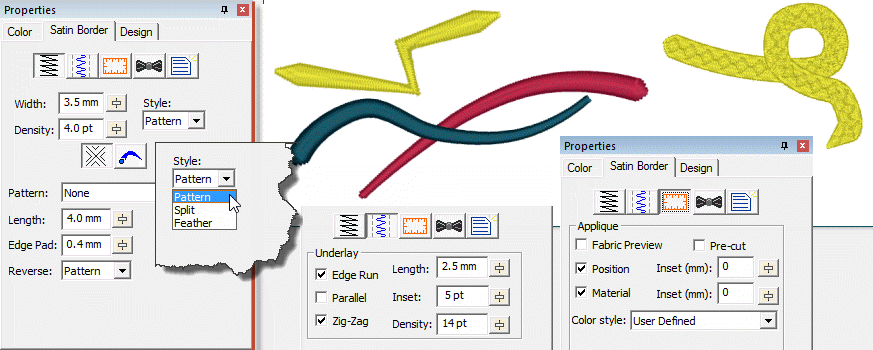
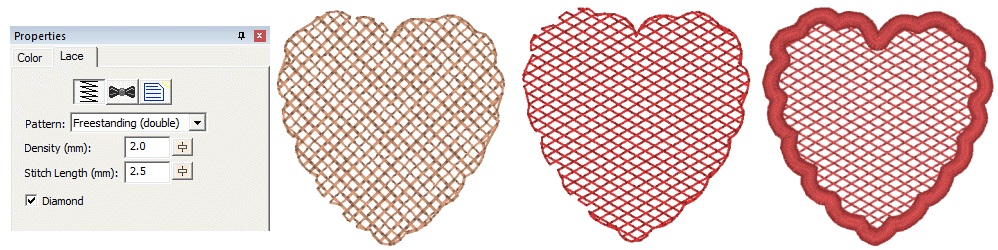
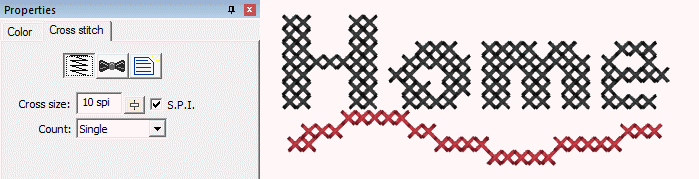
 To give you a sample of the comprehensive nature of the properties you can use with stitch objects, here are some examples, all Level 1 unless noted:
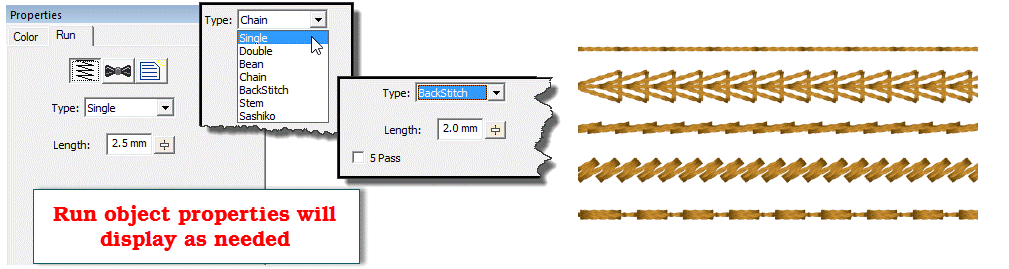
Length, Edge Pad, Reverse pattern
Will hold on without topstitching
Two styles: constant density, fixed line count
Number of splits (1-5), Max stitch length, Reverse stitch control
Inside and Outside, Left and Right independent control
Minimum, Percent, Maximum
Four styles with density adjust
Edge Run, Parallel, Zig-zag. With control of length, inset and density.
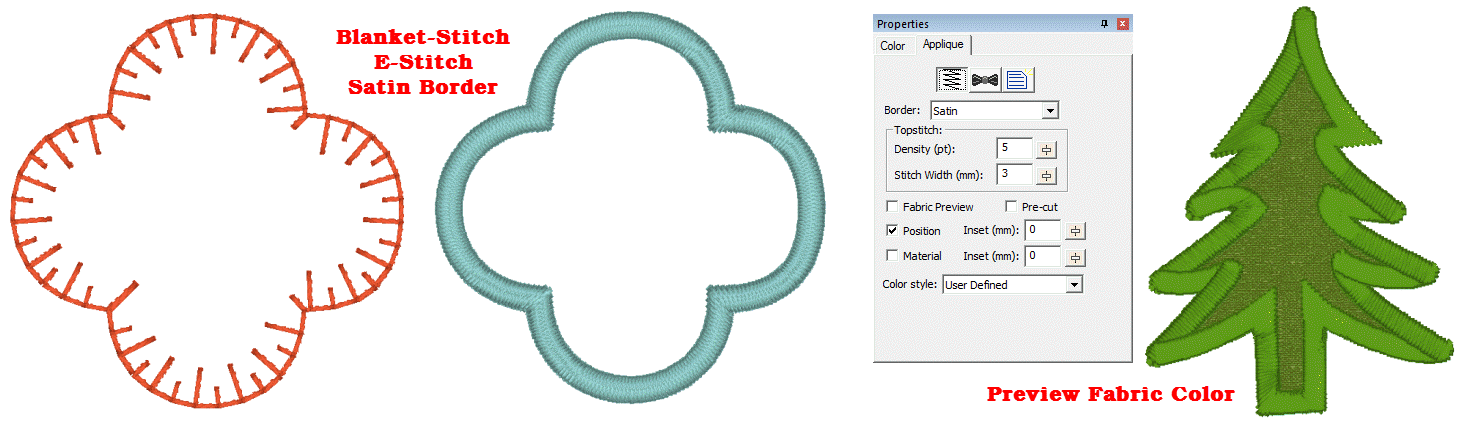
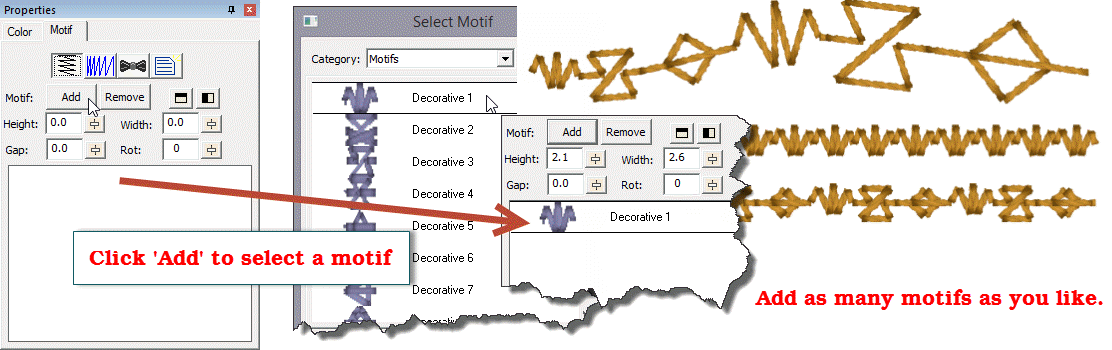
Over 200 outlines added to the library which can be used in your design.
Over 150 Motifs for run and fill
Over 50 Emboss patterns
Over 15 Fill Patterns
There is a PDF and online help of the manual for the Embrilliance Platform, which includes a lengthy StitchArtist volume. You can find the links at:
https://embrilliance.com/downloads
Are you ready to become a StitchArtist? Visit our store!